
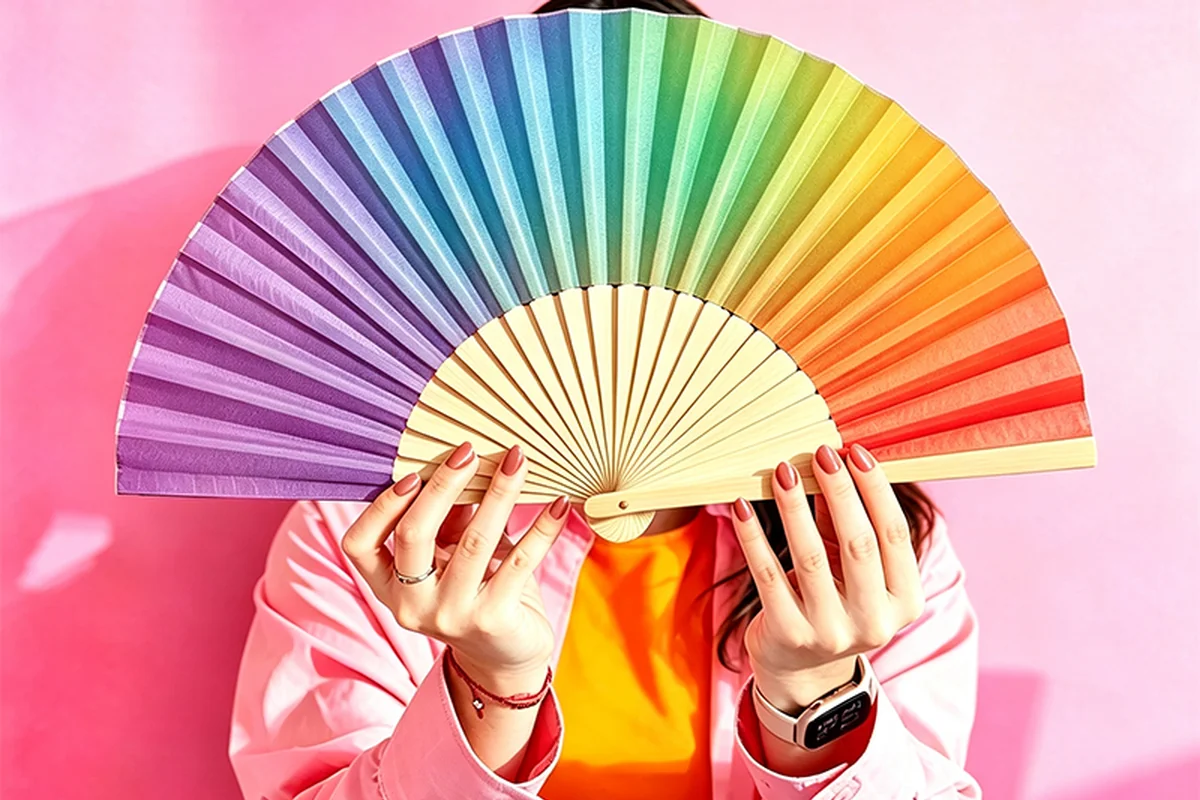
Pantone colors as print targets
A folding fan may be able to match a Pantone color closely, but the number alone does not guarantee the result. The leaf, its base color, the ink and the printing method all matter. For a critical logo, compare a physical sample on the intended material before approving the color.
| Color information | What it describes | Useful for |
|---|---|---|
| RGB or HEX | A digital color value | Screen artwork and an initial design reference |
| CMYK | Amounts of cyan, magenta, yellow and black | Photographs and multicolor process printing |
| Pantone solid-color reference | A named physical color target, often reproduced with a matched spot ink | Communicating a specific brand color |
Spot colors use premixed inks; process colors are built from standard printing inks. A printer can also simulate a Pantone target in CMYK. Ask whether a quote means an actual spot ink or a process-color approximation; these are different production choices.
For a photo with a brand logo, the photo and the logo do not have to use the same approach. A compatible job may combine process printing with a spot ink, but the printer must confirm that combination for the fan.
Specify the full Pantone code and material
Include the full designation, such as “PANTONE 100 C”, and identify the physical guide or approved sample. C and U refer to appearance on coated and uncoated paper. They do not mean the fan itself must be glossy or matte, and they do not describe a fabric treatment.
Mark the artwork area that needs the match and name the intended leaf material. Ask whether the proposed print uses a matched spot ink or a CMYK approximation, then review the result on that material.
If the logo, guard and gift box need to match each other, put the three samples beside each other. Approving each against a separate phone photograph can leave a visibly mismatched set.
Why the CMYK version can look different
Some solid colors fall outside what a particular CMYK process can reproduce. Pantone Color Bridge shows a solid color beside its closest CMYK simulation in the guide. It helps you see a likely compromise before sampling, but it is printed on the guide’s paper, not your fan.
A CMYK recipe is not a universal promise across all materials and presses. A change from smooth white paper to a warmer fabric can change the appearance even when the file numbers stay the same. A digital preview also cannot show the actual surface texture or transmitted light.
Keep the logo separate from a photograph in the artwork. If only the logo is wrong, increasing saturation across the whole file may spoil the photo without making the logo achievable. Compare a targeted correction or another printing route.
Compare physical samples together
- Place the printed fan and color reference side by side on the same neutral background.
- Use the agreed main light, then check relevant lighting at the venue or shop.
- Compare the same area and viewing angle. Avoid judging a fold shadow as though it were a flat color patch.
- Describe the difference plainly: lighter, darker, redder, yellower or less vivid.
- Keep the accepted printed sample with its material and process details.
Two colors can match under one light and differ under another. This effect is called metamerism. A phone picture taken under unknown light is useful for locating an issue, but is a weak basis for deciding a close color match.
Measure color difference with ΔE
ΔE is a calculated color difference, not a percentage of accuracy. It is useful when the target and sample are measured consistently. Different formulas, such as ΔE76 and ΔE00, are not interchangeable.
Agree on the calculation method, tolerance and measuring conditions before comparing results. If a brand specifies a limit, record the formula and measurement setup as well as the number. There is no universal pass limit for every folding fan.
A small logo may be too small for a particular instrument’s measuring aperture. A matching color patch can help with measurement, but the finished logo still needs a visual check on the assembled fan.
Resolve a color mismatch
| Situation | Useful next step |
|---|---|
| CMYK cannot reach a required bright solid color | Compare a compatible matched spot ink or approve a physical process-color alternative |
| Color changes after a new leaf is used | Sample the new material before treating it as equivalent |
| A logo matches but the photo looks unnatural | Correct the image separately from the brand-color target |
| The fan and its box look different together | Compare the complete set under the same light |
| Reviewers disagree between locations | Bring the physical references and viewing conditions into agreement |
If the closest feasible result is acceptable, keep that exact sample as the production reference. If the brand will not accept it, reconsider the material, process or permitted artwork colors. Do not label an approximation an exact match.
Keep the file and sample connected
Send the full color reference, mark the critical artwork area and state the chosen leaf in the sample request. Keep the editable logo and its named color in the production artwork.
A wording-only correction may keep the existing color reference when material, process and color artwork stay unchanged. A change to any of those needs another assessment. This is more useful than repeatedly approving screen previews that cannot show the final surface.