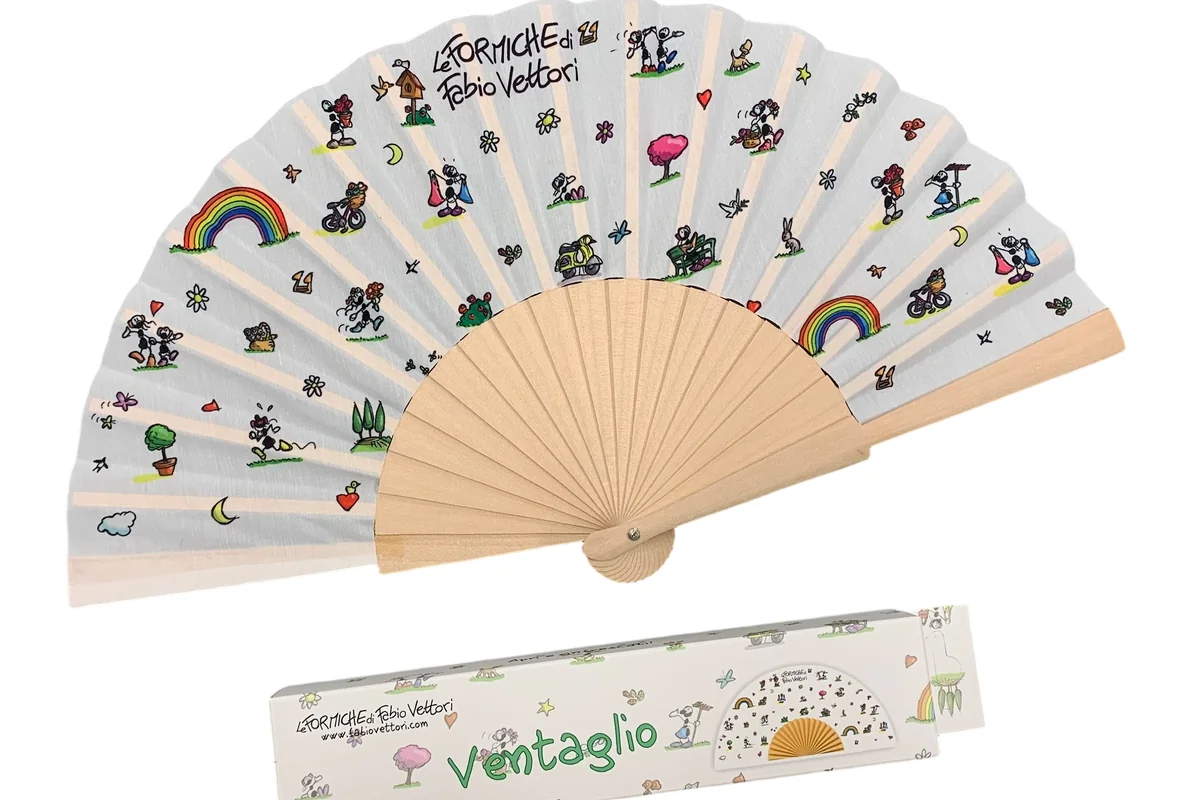

Match the printing method to the artwork
For a one- or two-color logo, compare screen printing with a suitable digital option. For photographs, gradients or many colors, start with a full-color process. Paper fans can use offset or digital printing, depending on the design and construction.
| Design | Useful process to compare | Main question |
|---|---|---|
| Simple solid-color logo | Screen printing | Are color, edges and small gaps reproduced clearly? |
| Photograph or gradient on paper | Digital or offset printing | Does the chosen paper hold the required detail and color? |
| Photograph on suitable polyester | Digital dye sublimation | Do the pale fabric base and finished print suit the design? |
| Several artwork versions | A suitable digital process | How much preparation is needed for each version? |
| Light logo on a dark leaf | A process with suitable opaque ink or a tested transfer | How will the light area be created? |
The selected ink and process must suit the leaf, folding and assembly. Confirm the method on the finished fan sample.
Screen, digital and offset printing
Screen printing moves ink through the open areas of a mesh stencil. Separate color stages add preparation and alignment work. Compare it for clear, solid marks. Photographs can use halftone separations, which reproduce tones with dots; the detail still depends on the screen, ink and material.
Digital printing describes several routes. Ink may be applied directly, or an image may be transferred from paper or film. Dye sublimation uses heat to transfer dye into suitable polyester. A supplier saying only “digital” has not yet identified the method.
Offset printing transfers the image from a printing plate to a rubber blanket and then to the paper. Compare it for paper fan designs containing photographs and small text. Availability and economics depend on the model and order; there is no universal quantity at which one becomes cheaper.
Screen printing, digital printing and film transfers suit different leaf materials. Confirm the process for your selected fan before preparing the final artwork.
Check white and light colors early
A white area in a design file is not automatically white ink. On a white leaf it may be left unprinted. On a navy leaf, the same empty area remains navy unless the process adds an appropriate light-colored layer.
Dye sublimation uses no white ink and needs suitable white or light-colored polyester for clear, bright colors. For a dark fan with a pale logo, compare a suitable opaque ink or another tested process. If a white underlayer is proposed, inspect its edges and coverage as well as the final color.
White ink, a special transfer and printing the reverse can change the quoted work. State those needs before comparing prices, and use the color guide for a critical brand match.
Compare colors, sides and versions
Setup costs depend on what has to be prepared, not just how many fans are ordered. List the quantity per design and identify any common front or reverse. Each artwork version can add file preparation, printing setup and color checks, even when the combined quantity stays the same.
Compare quotes for the same leaf, print area, sides and complete fan. A small screen-printed logo and a full-leaf photographic print are different jobs. Check whether the price is per printed side or per finished fan.
A repeat design may still need preparation, color adjustment or new setup. Ask us which preparation can be reused, then compare quotes for print results that meet the same requirements.
Print the difficult details at actual size
Include the smallest lettering, narrowest gap, a solid color block and the palest part of a gradient in the sample. Use the real artwork rather than an easy demonstration logo.
Check the narrowest lines and gaps in your actual artwork on the selected leaf. Inspect dark lines and light gaps separately. Detail that barely reproduces on one sample may be unreliable across production.
Inspect the flat print first, then the assembled fan. Clear flat text that becomes difficult to read after folding needs a layout review. Increasing image resolution will not move a word out of a fold.
Identify common printing defects
| What you see | What to investigate |
|---|---|
| A colored fringe around a letter | Alignment between colors or printing stages |
| A narrow white gap fills in | Reproduction of fine gaps on that material |
| A broad solid area looks patchy | Coverage, surface and process consistency |
| A crease develops a pale line | Whether coverage or the printed surface changes during folding |
| A pale logo loses contrast on a dark base | Ink opacity, underlayer or the selected printing route |
Record the affected location and compare another sample before changing the design. A defect visible only after folding is different from one already present on the flat print. Choose the process after seeing both stages during sample development.