
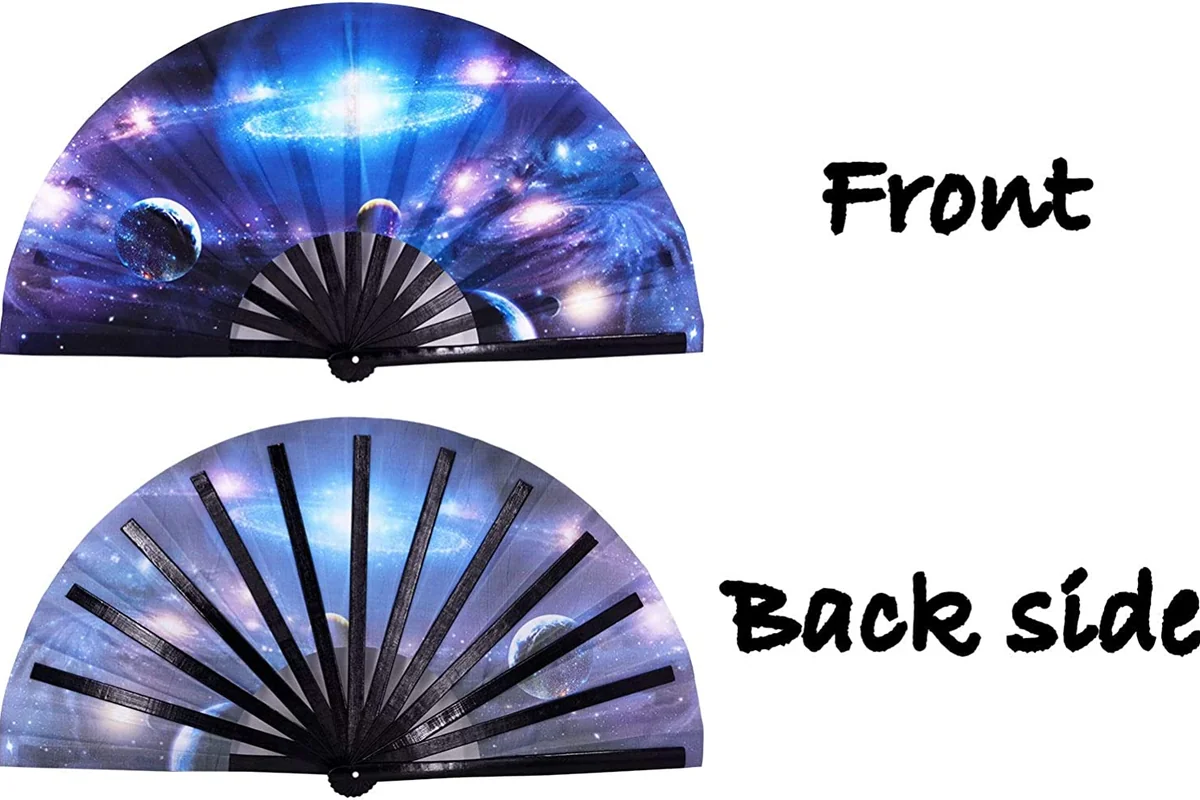
Two printed sides need the right construction
Double-sided folding fans are available, but the construction matters. A paper model may allow print on both faces; a fabric model may need separate printed leaves. Seeing a reversed image through thin material is not the same as printing a second design.
| Construction | What to establish before designing |
|---|---|
| Paper fan with both faces printed | Usable area on each side and whether dark artwork interferes with the reverse |
| Fabric fan made for one printed side | Do not assume the back can accept another print |
| Two separate printed fabric leaves | How both leaves attach to the frame and the finished folded thickness |
Paper and fabric fans can use different constructions for reverse printing. Two fabric layers attached to one frame can add thickness and weight compared with a single layer. Confirm the number of layers and printed sides for the selected model.
Plan the content on each side
Useful pairings include an illustration with a short schedule, a brand graphic with a product message, or one language on each side. Repeat essential information such as the event name or date when each face needs to make sense alone.
A back covered with tiny sponsor names may be less useful than a shorter list. Allow room for the folds, the hand holding the fan and the curved edges. If the reverse adds no useful content, a one-sided design may be the better choice.
Quotes sometimes use print shorthand: 4/0 describes four-color printing on one face with a blank reverse; 4/4 describes four-color printing on both. These numbers describe printed colors and sides, not the number of leaf layers. Confirm whether the actual quote includes different A/B artwork.
Check front and back orientation
Prepare Side A and Side B in the direction a person should read them. Keep the pivot at the bottom in both previews. Do not mirror the reverse file yourself unless the printer specifically requests it for production.
- Print both designs at actual size on a paper mock-up.
- Look at Side A with the pivot down.
- Turn it left-to-right while keeping the pivot down, and check Side B.
- Label the two views and photograph the turn if the orientation is unusual.
After this turn, the left edge seen from Side A corresponds to the right edge seen from Side B. This matters when placing a dark image behind pale text or aligning artwork near an outer guard. Use the actual fan template, not a generic semicircle.
Reduce show-through before changing the material
Open the finished sample in the light where it will be used. If a dark front image shows behind a pale schedule, compare that area with the reverse artwork in the file. Also check whether ribs or folds are casting shadows rather than assuming every dark line is print showing through.
Try a simpler, lighter image behind the text or move the important words into a quieter area. If the design must stay, compare a more suitable leaf or construction. Change one thing at a time so you can see what helps.
Check both sides again after any change. Making Side A darker can reduce the readability of Side B even when its file is untouched. If the construction changes, recheck opening movement and pouch or box fit.
Place borders, text and QR codes carefully
Thin borders make a small shift in printing, trimming or assembly easy to see. A wider border or a design without one can be more forgiving, but it does not excuse a failed agreed placement requirement. Compare the same edge at the same open position before deciding that the print is crooked.
Keep names, times and phone numbers in short, readable groups. Test them with the fan partly open as well as fully open. If a long line disappears into several folds, moving or shortening it is more useful than increasing the image resolution.
Leave a clear four-module margin on every side of a standard QR Code. A module is one small square in the code. Keep that quiet zone free of print and test whether folds interrupt the symbol. There is no single millimetre size that guarantees scanning on every fan.
Scan the actual printed sample on more than one phone while holding it normally. If reliable scanning needs the leaf flattened awkwardly, move the code, enlarge it where space allows, or place it on a separate card.
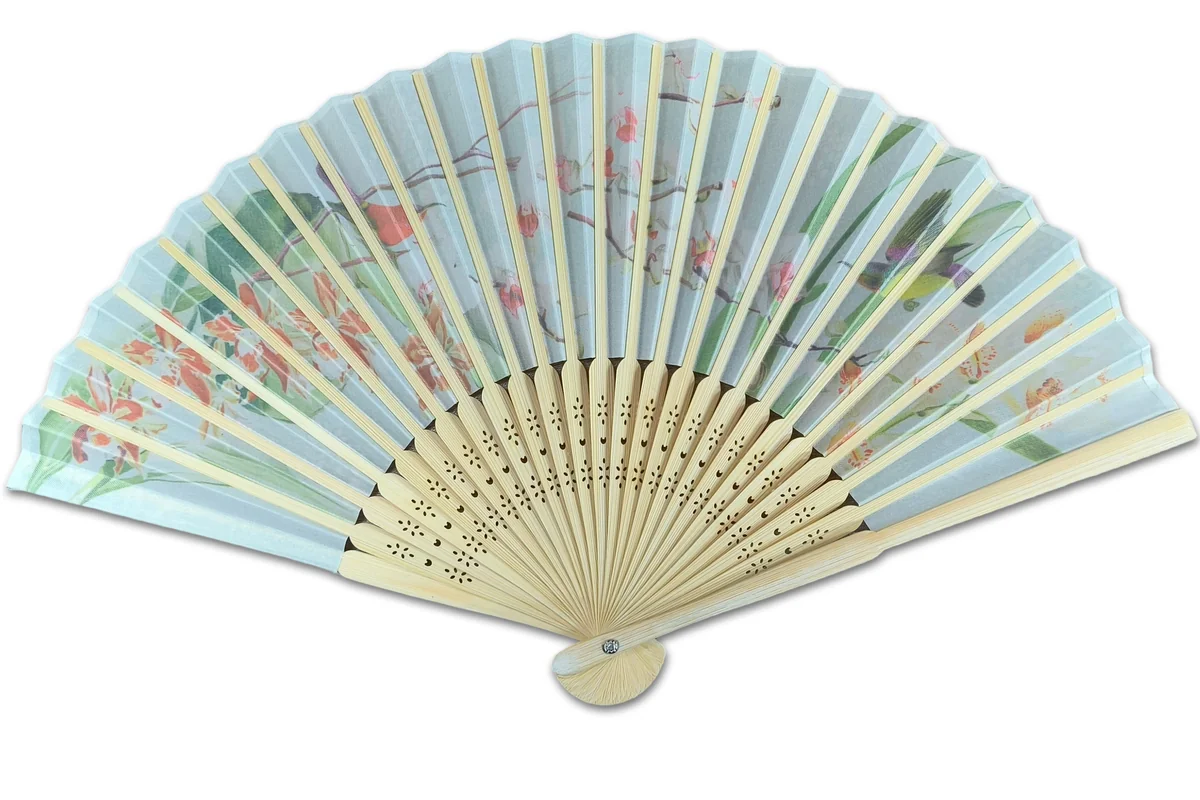
Separate file errors from material problems
| Problem | First check |
|---|---|
| Reverse is upside down or mirrored | Compare with the labeled turning mock-up |
| Unexpected text appears on one face | Check the A/B filenames and exported PDF |
| A shape from the opposite face is visible | Compare the real sample with that area left blank or lighter |
| White text disappears from the exported file | Inspect overprint and color settings with the printer |
| Print is sound flat but unclear when held | Review folds, opening position and the layout |
Acrobat Output Preview can check separations and overprinting. It cannot measure leaf opacity or predict how a pleated fan will look in sunlight. Use the PDF to find file problems and the physical sample to assess construction.
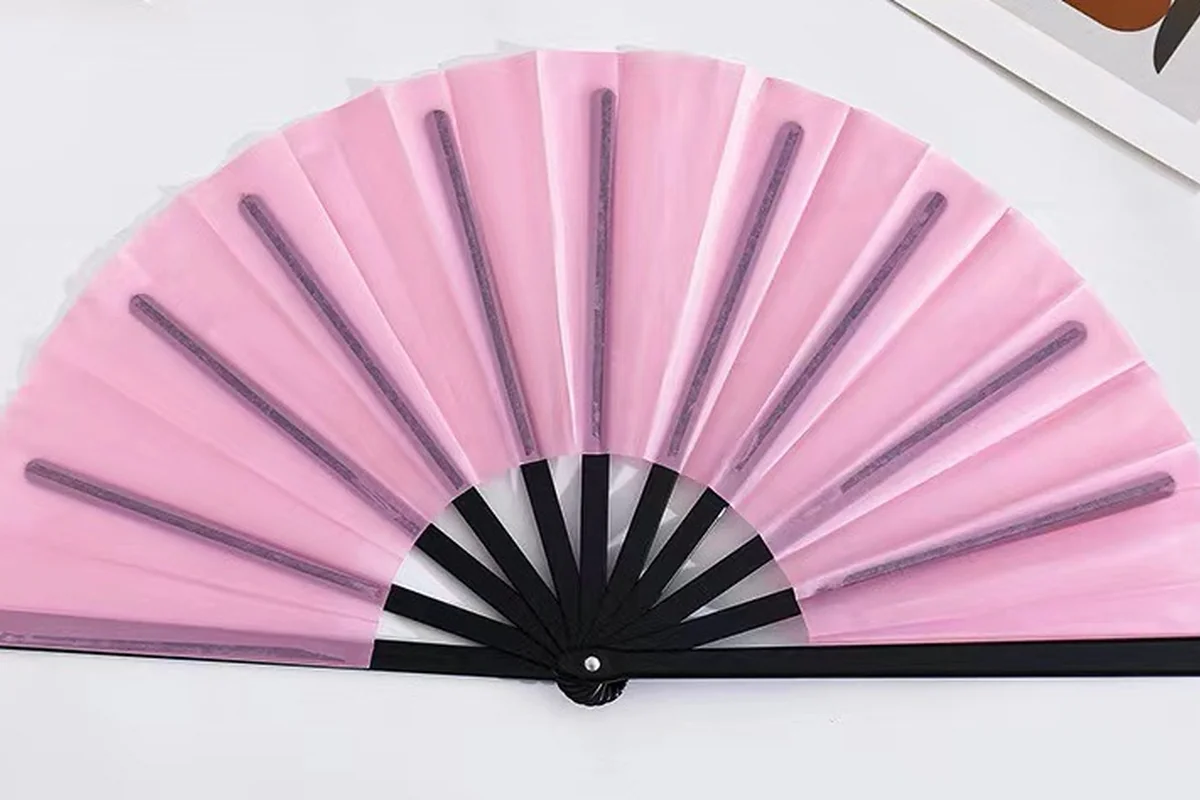
Approve the front and back together
Name each file by design, side and revision, and include normal-reading previews. If several versions share one front but have different languages on the back, list the front/back pair and quantity for each.
Approve both faces on the same assembled sample during sampling. Check wording, orientation, readability and the closed fit together. A correct front does not approve a different reverse design.